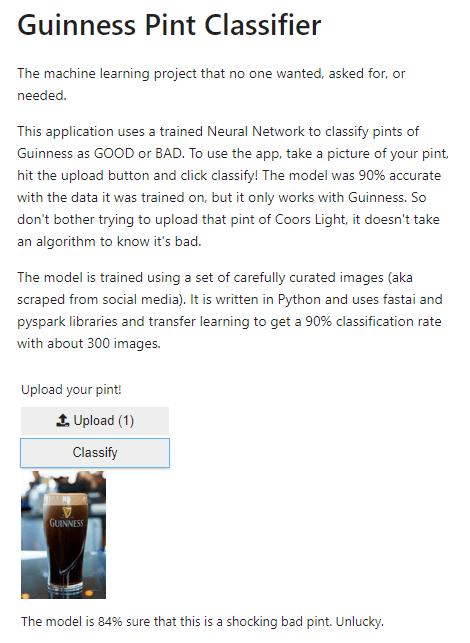
The previous blog post trained a neural network to classify images of Guinness. This post will demonstrate how to host the model on Binder so that people can use it themselves.
What is Binder?
The Binder Project helps you create one-click, sharable, live code environments from public code repositories that runs entirely in the cloud. You put your files in a github repository, and point Binder to it. Binder builds a docker image of the repository and hosts it on a JupyterHub server, allowing you to or others to interact with your code in a browser.
Create a github repository and add the required files to it. For this example, I will be adding:
a. A python script that uses widgets to create upload and classify buttons
b. The model trained in the previous post, exported to a .pkl file
c. A requirements text file that specifies the packages that Binder needs
Here is some of the script that will be uploaded. It defines the buttons that will be displayed and the output shown after classification.
# function for image classification
def on_click_classify(change):
    #sets img as an image object based on button upload
    img = PILImage.create(btn_upload.data[-1])
    #clears existing output
    out_pl.clear_output()
    #sets the output as 128x128 and creates a prediction based on learn_inf
    with out_pl: display(img.to_thumb(128,128))
    pred,pred_idx,probs = learn_inf.predict(img)
    if {pred} == 'good':
        lbl_pred.value = f'The model is {probs[pred_idx]:.0%} sure that this is a LOVELY pint. Enjoy!'
    else:
        lbl_pred.value = f'The model is {probs[pred_idx]:.0%} sure that this is a shocking bad pint. Unlucky.'
See the rest of the code at the github repository.
Step 2
Tell Binder where to look! Enter the repository name and a specific file to look for. In this case my file path includes ‘voila/render’ indicating that I want the output to show the widgets and text only – not the code. It gives me a link that I can use to share with others.

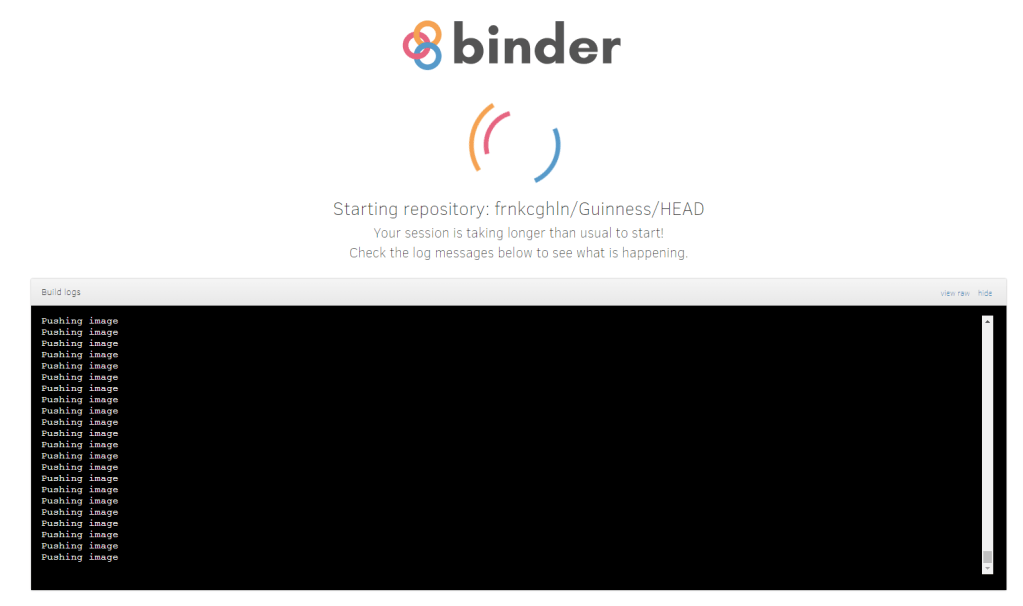
When I click launch a window opens that establishes the docker image and install the packages in my requirements.txt file. It can take a few minutes to finish.

Step 3
Try it out!